


Design · · 7 min read
Telling an image model where to put things
You cannot hand an image model coordinates. You can give it a deliverable, a viewpoint, a placement list and a canvas, and those four do most of the work.
Image models take language, not coordinates. There is no x and y, no safe area, no baseline grid. What they do respond to is the vocabulary an art director already uses: name the deliverable, name the viewpoint, name where each element sits, and choose the canvas before you write a word of description.
That is four levers, and used together they get you close enough that the remaining work is a crop and a composite rather than a re-roll. Here is how each one behaves, based on the guidance and published examples in OpenAI's GPT image prompting guide and Google's Nano Banana quickstart, both read on 21 September 2026, plus what neither of them can do.
Lever one: name the deliverable
The first words of the prompt set the mode. "Create one pitch-deck slide", "a realistic mobile app UI mockup", "a classroom handout", "a four-panel vertical comic" each pull a different set of layout conventions with them, because those conventions are in the training data attached to those words.
OpenAI's guide makes this explicit in its fundamentals: write prompts in a consistent order, background and scene, then subject, then key details, then constraints, and "include the intended use (ad, UI mock, infographic) to set the 'mode' and level of polish".
The cost of skipping it is real. Ask for "an illustration about cellular respiration" and you get a decorative picture. Ask for a classroom handout with a title, numbered stages and labelled molecules, and you get a document.
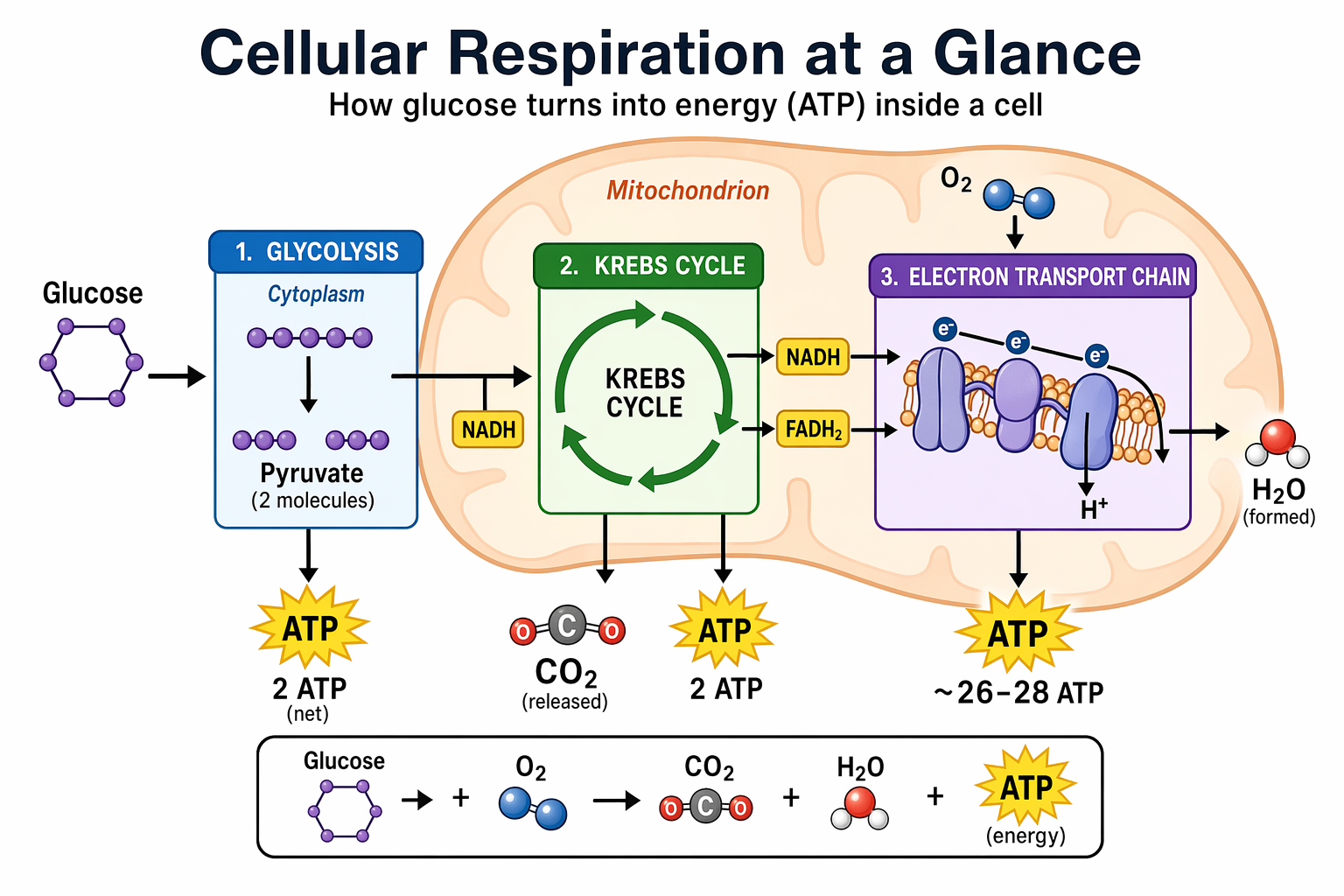
Three structural things in that image came from instructions rather than luck: a title and subtitle at the top, three numbered stages left to right, and a summary strip at the bottom. Name those parts and you get those parts.
Lever two: viewpoint and framing
OpenAI's composition guidance is a usable checklist on its own: specify framing and viewpoint (close-up, wide, top-down), perspective and angle (eye-level, low-angle), and lighting and mood to control the shot.
Add the body language when people are in the frame. The same guide recommends describing scale, body framing, gaze and object interactions, with examples like "full body visible, feet included" and "looking down at the open book, not at the camera". Those two phrases fix more bad compositions than any amount of "beautiful composition, rule of thirds".
Lever three: say where things go, in words
This is the lever most people never touch. OpenAI's guidance is direct: "If layout matters, call out placement (e.g., 'logo top-right,' 'subject centered with negative space on left')."
A placement list that works looks like this.
Layout:
- Subject in the right third, facing left, full body, feet included.
- Empty wall in the left third, unobstructed, for headline copy.
- Horizon low, at roughly the bottom quarter of the frame.
- Logo area clear in the top right, nothing crossing it.
- Generous margin on all four edges, nothing cropped at the edge.
Two things to keep in mind when you write one. Use fractions of the frame rather than pixel positions, because thirds and quarters are language and coordinates are not. And describe negative space as a thing rather than an absence: "an unbroken area of flat wall" is something a model can draw, while "space for text" is a note to a designer.
If the copy goes into the image rather than over it in your layout tool, put it in quotation marks, name the typographic treatment and say it appears once. That, and the quality setting needed for small type, is covered in prompt recipes for gpt-image-2.
Lever four: pick the canvas first
Composition follows the frame. A 1:1 and a 21:9 of the same brief are not the same picture with different crops, they are different pictures, because the model composes for the shape it is given.
So choose the output size before you write the prompt, not after. Google's models take a fixed menu of ratios and print the pixel dimensions for each, from 1024x1024 at 1:1 to 1536x672 at 21:9, with the extreme panoramics limited to Nano Banana 2 and Pro. OpenAI's gpt-image-2 accepts any size whose edges are multiples of 16, inside a 3:1 ratio limit. The numbers and their consequences for print and out-of-home are collected in the sizes AI image models can actually give you.
Grids, panels and sheets
Multi-cell layouts are the one place where these models are better at layout than people expect, because a grid is a strong convention.
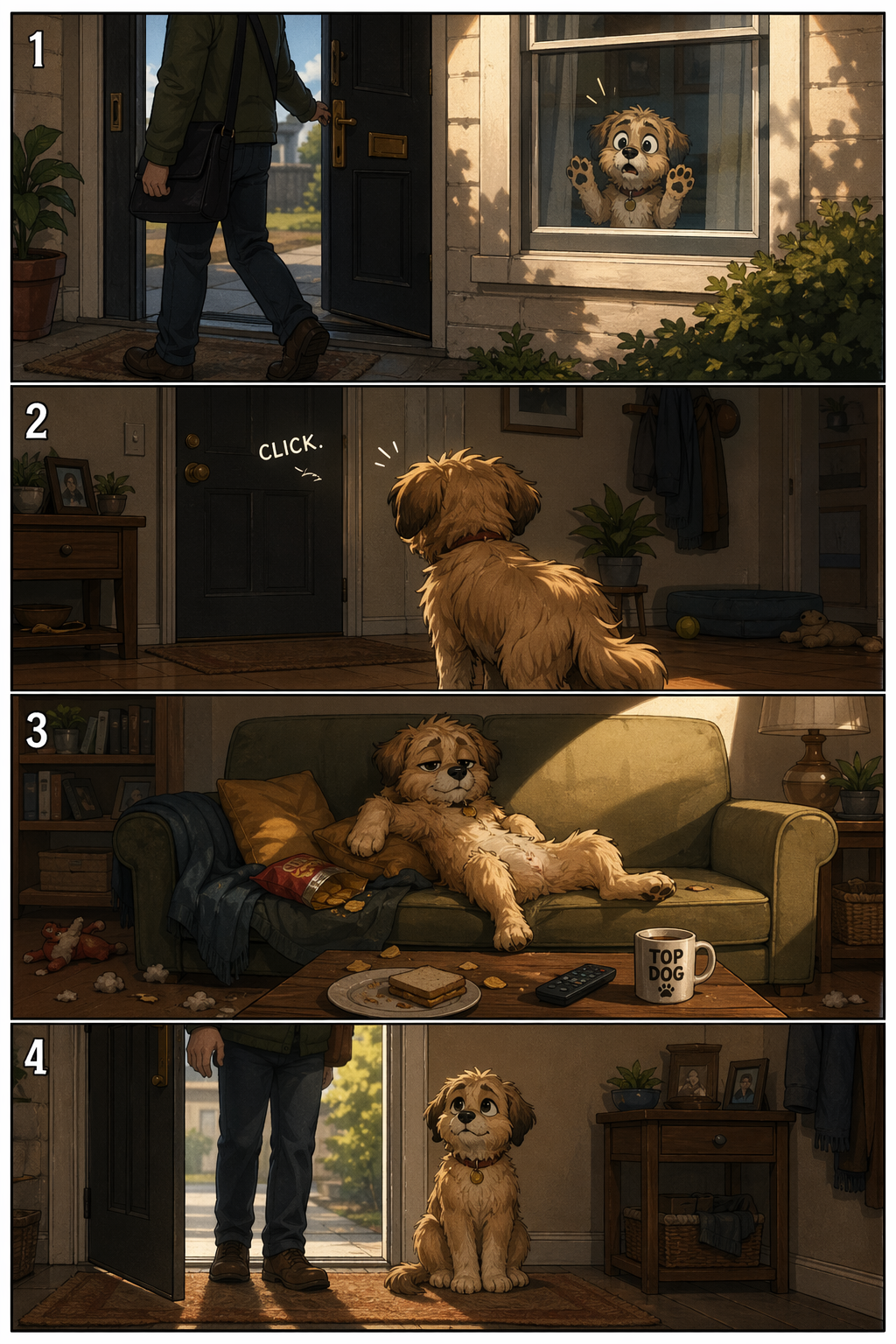
Sequences work when you describe them as beats. OpenAI's comic example gives one sentence per panel, each with a clear action, and asks for four equal panels in a vertical strip.
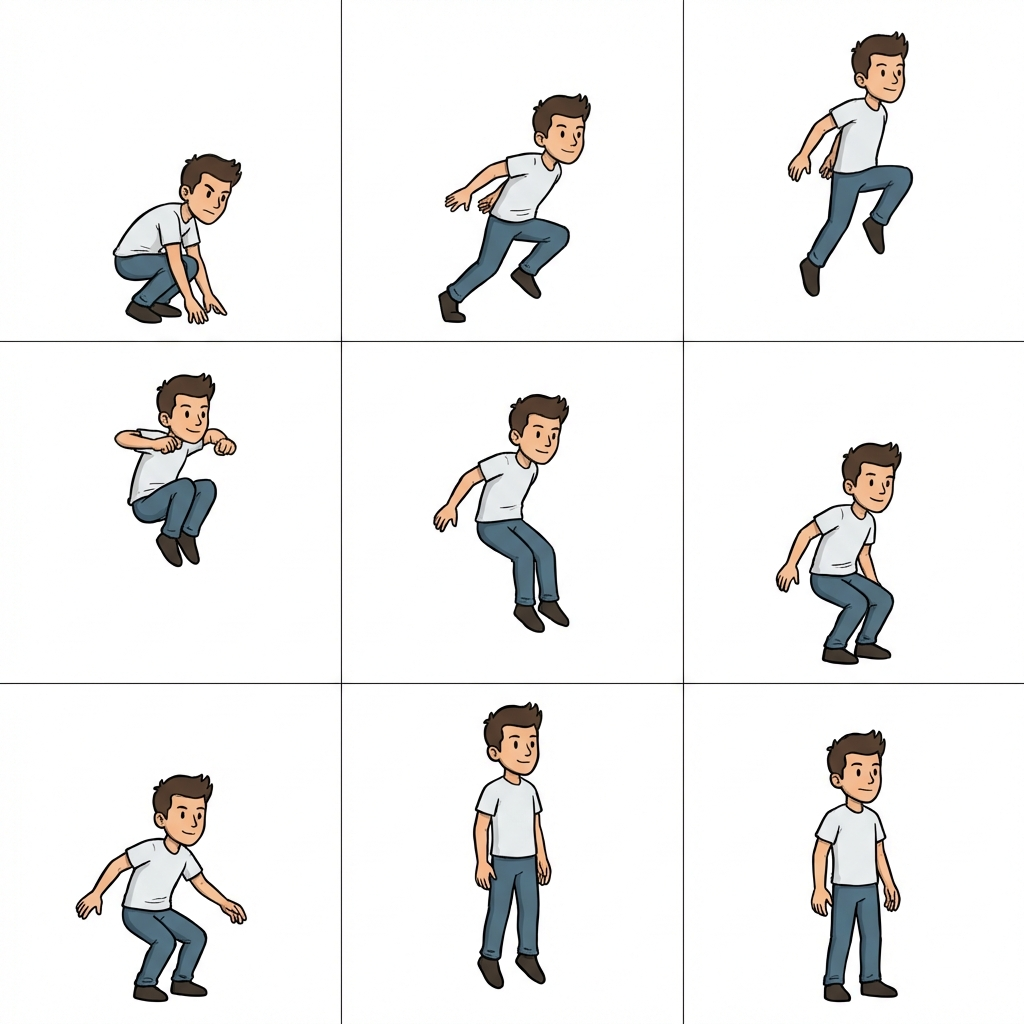
Sprite sheets work the same way. Google's quickstart asks for a sheet of poses and gets a clean 3x3 grid on white, ready to cut, which is a far more reliable way to get a set of related images than nine separate generations.
The one thing to stop asking for
Exact geometry. No mainstream image model takes a measurement, and none of them will place an element at a specific pixel or hold a column grid to the millimetre.
OpenAI's own published experiment on layout planning is instructive here, because it puts the geometry somewhere else entirely. A reasoning model reads an empty floorplan and proposes a structured layout plan, and deterministic code then checks bounds, detects collisions and repacks anything that overlaps. Their own conclusion is that the model is best at the semantic decisions, identifying room roles and proposing a program, while exact geometry belongs in code.
github.com ↗OpenAI, Evaluating Grounded Spatial ReasoningOpenAI's published experiment: the model proposes the layout, deterministic checks fix the geometry.Translate that to your own work. Generate the elements, then assemble them where precision matters. A product cutout with real alpha, dropped into a layout you control, beats a whole composition generated with the type baked in and half a millimetre of optical misalignment you cannot fix.
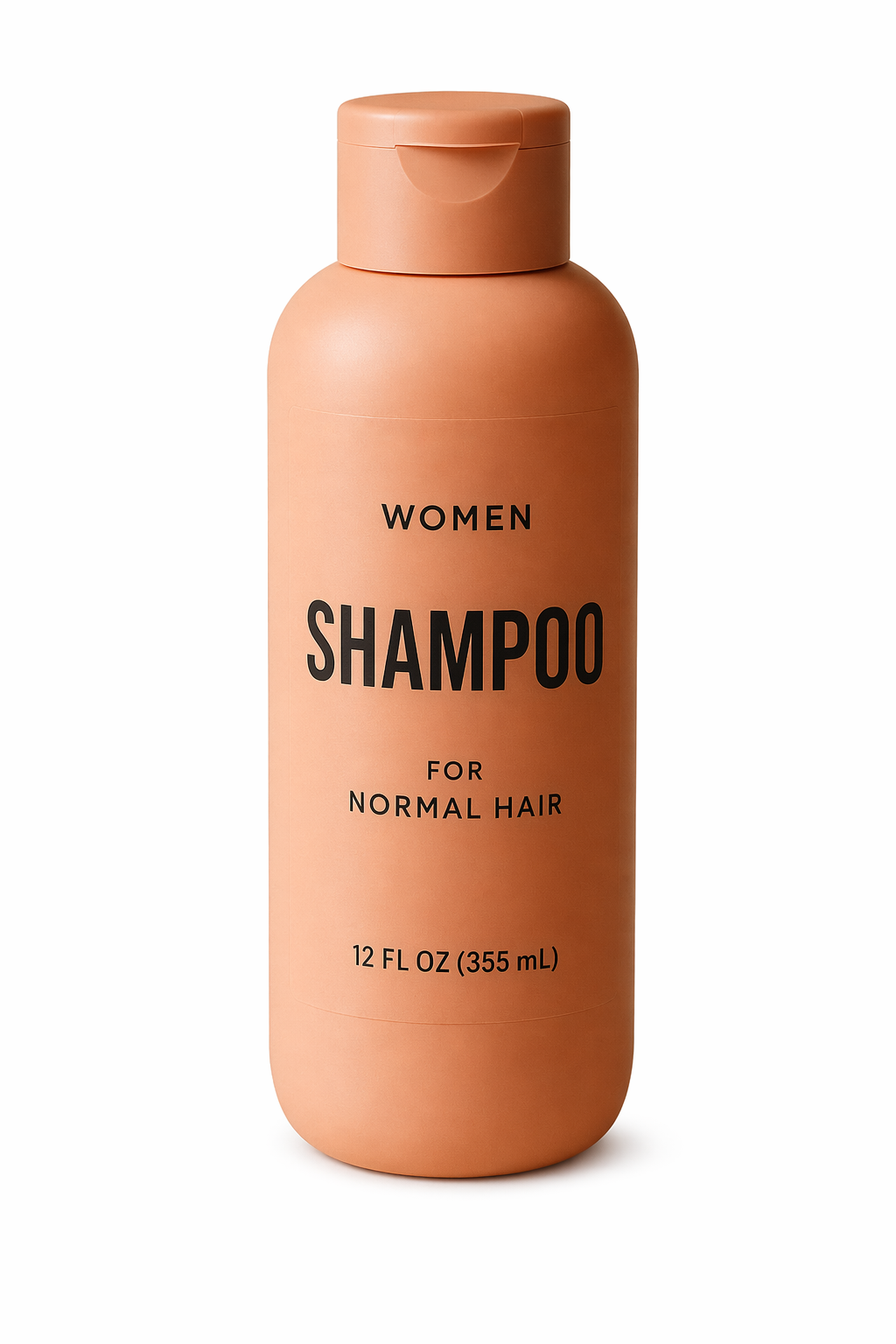
The workflow for generating assets with a genuine alpha channel rather than cutting them out afterwards is in cutouts with a real alpha channel.
A working order
- Choose the size and ratio.
- Name the deliverable in the first sentence.
- Describe viewpoint, framing and light.
- List placements as a short block, including what stays empty.
- List constraints: no extra text, no watermark, nothing crossing the logo area.
- Generate a spread, pick the composition, then fix the details with single-change edits.
Step six matters more than any wording. Composition is the thing that varies most between generations, so generate several and choose, rather than trying to talk one image into position.
FAQ
Can I give the model a wireframe or a rough layout?
You can give it a sketch as an input image and ask it to preserve the layout, proportions and perspective while rendering it realistically, which is a documented use case. It follows the arrangement closely and still redraws everything, so treat it as a strong suggestion rather than a template.
Why does my copy space keep filling up with detail?
Because empty areas are unstable unless you describe them as something. Name the surface that occupies the space, say it is unbroken and free of objects, and give it a physical reason to be there: a plain wall, an open sky, a shadow falling across a floor.
Do aspect ratio keywords work inside the prompt text?
Not reliably. Ratio is a parameter in every major API, and that is where it belongs. Asking for "16:9 composition" inside the prompt sometimes nudges the framing, but the canvas comes from the setting.
How do I keep a layout consistent across a campaign?
Lock the canvas, reuse the same placement block word for word, and change only the subject description between generations. Then check drift as you would with a character, using the methods in keeping a character, a product and a style consistent.
Sources
- OpenAI, GPT Image Generation Models Prompting Guide, read 21 September 2026
- OpenAI, Evaluating Grounded Spatial Reasoning with GPT-5.5, read 21 September 2026
- openai-cookbook repository, source of the published example images above
- Google, Gemini built-in image generation, the Nano Banana quickstart, read 21 September 2026
More to read
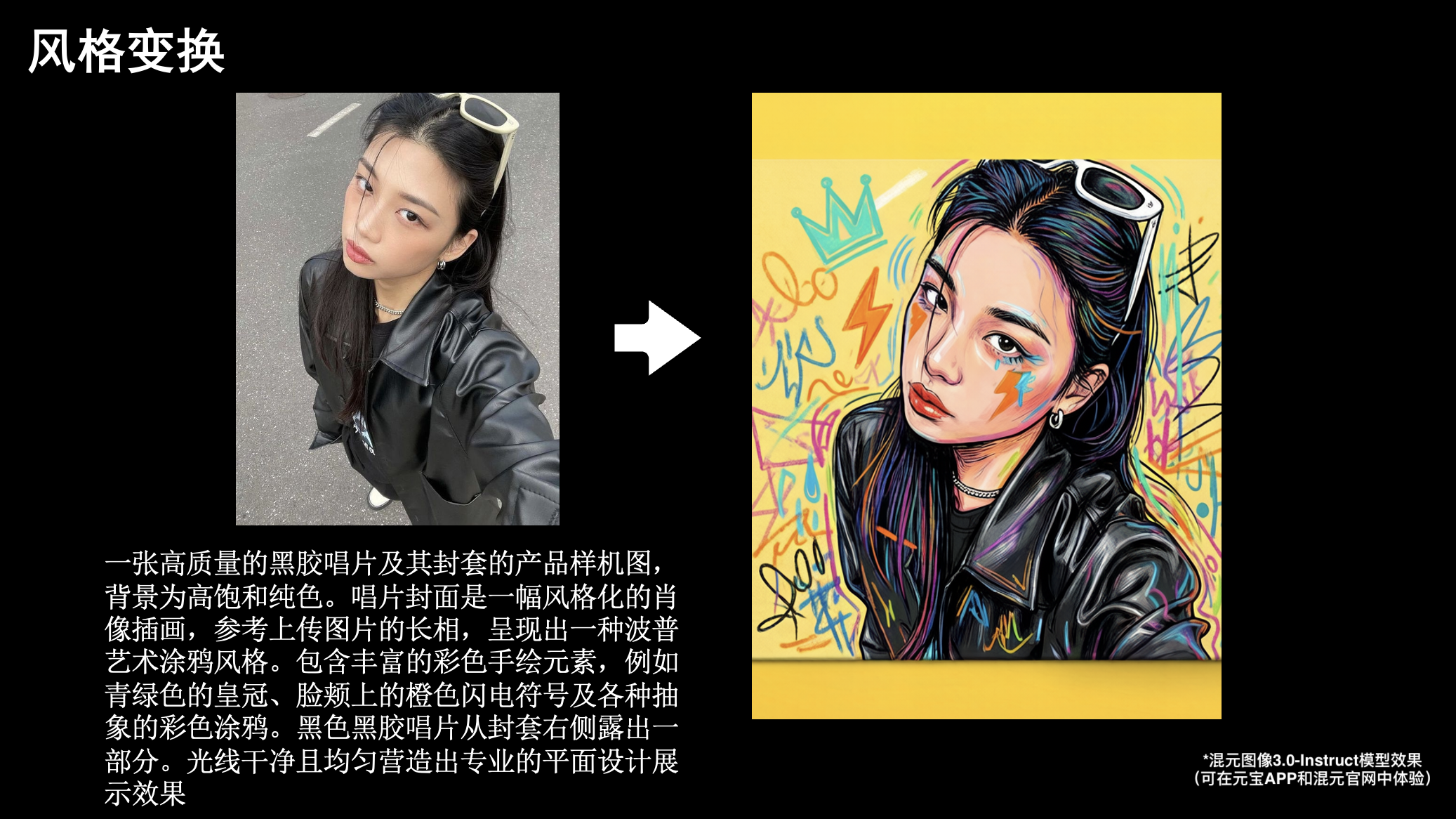
AI · · 7 min read
The largest open image model is Tencent's, and its own chart shows where it loses
80 billion parameters, reasoning before it draws, and three obstacles: a datacentre-sized hardware bill, a licence that excludes three regions, and maker-run evals.
AI · · 7 min read
Google ships two image models. Here is when Imagen 4 is the right one
Google's own quickstarts describe two different products in one API: a dedicated text-to-image model with five aspect ratios, and a conversational one with fourteen.